
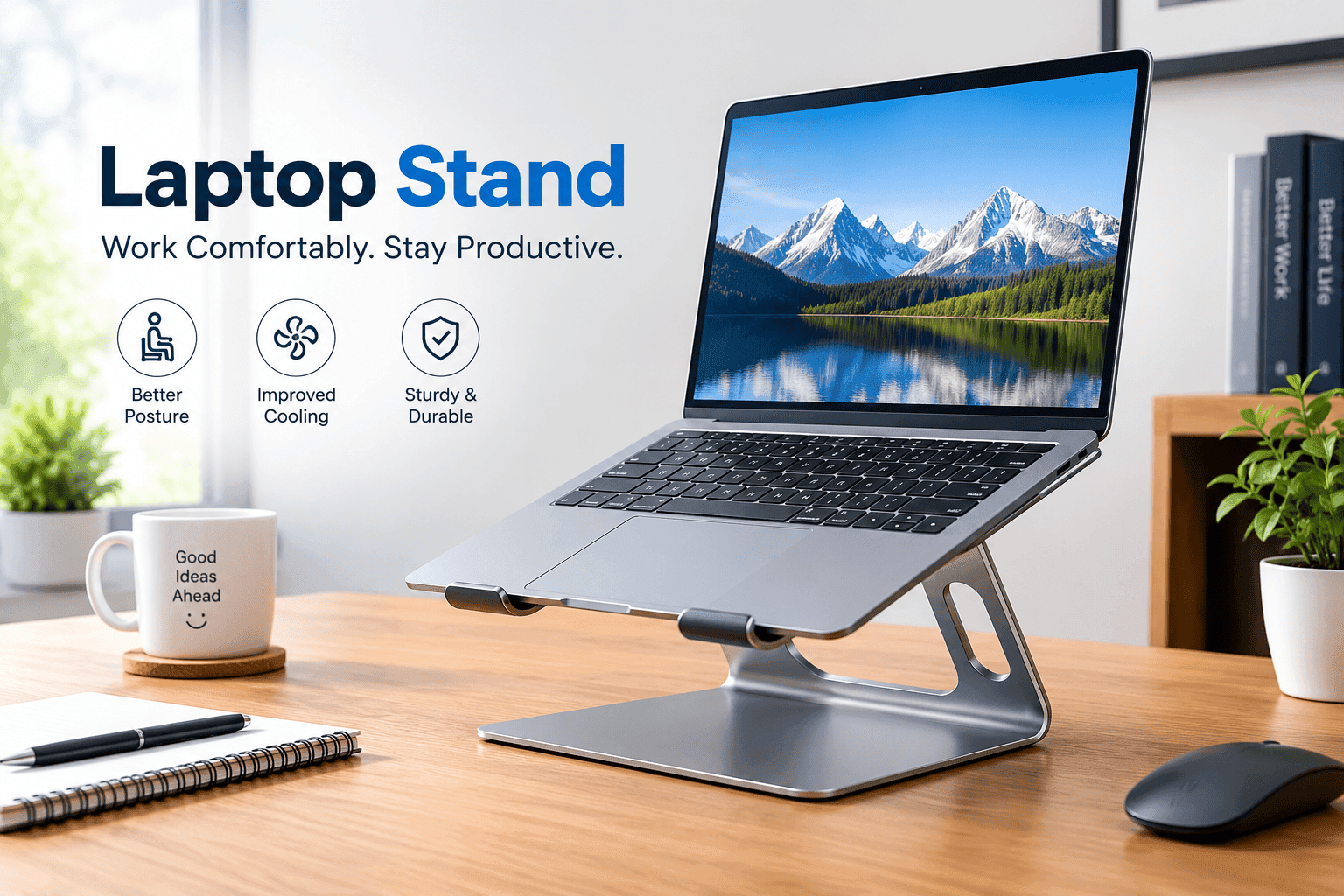
Laptop stands are a simple way to improve your desk setup, raise your laptop screen, and encourage a more comfortable working posture. Whether you work from home, study for several hours, or travel frequently with your laptop, using the right stand can help position your screen closer to eye level and reduce the need to constantly bend your neck.
Working on a laptop without a stand often means looking downward for long periods. This can contribute to neck, shoulder, and upper-back discomfort, especially when combined with poor sitting habits. A laptop stand does not automatically create perfect posture, but it can make it easier to maintain a more ergonomic position.
In 2026, laptop stands are available in many designs, including adjustable aluminum stands, foldable travel models, cooling stands, portable risers, and premium ergonomic options. Choosing the right model depends on how you work, how often you travel, the size of your laptop, and whether you use an external keyboard and mouse.
This guide covers seven types of laptop stands worth considering for work, study, and travel, along with the important features to look for before buying one.
1. Adjustable Aluminum Laptop Stand
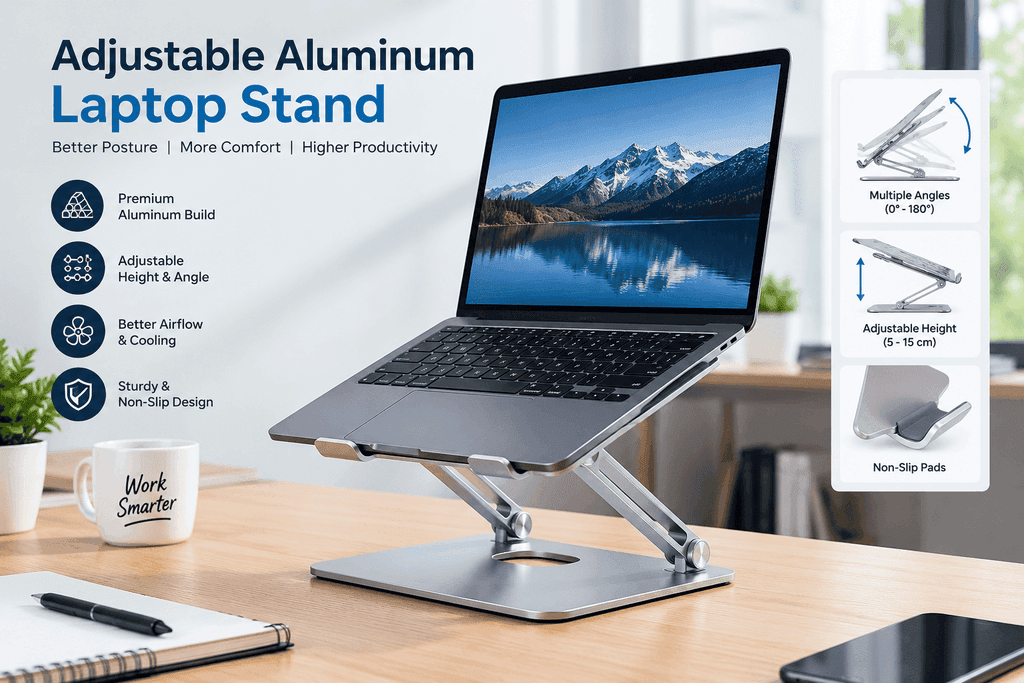
An adjustable aluminum laptop stand is one of the most useful choices for a permanent or semi-permanent workstation. These stands usually allow you to change the height and viewing angle, making it easier to position the laptop screen at a comfortable level.
The main advantage is flexibility. Instead of being limited to one fixed height, you can adjust the stand according to your chair, desk, and body position. Aluminum construction also provides good stability while giving the stand a modern appearance.
Many adjustable models include silicone or rubber padding to prevent the laptop from sliding and to protect its surface from scratches.
This type of stand is especially useful for people who spend several hours working at a desk. For the best ergonomic setup, pair the elevated laptop with an external keyboard and mouse so that your hands can remain in a comfortable position while the screen stays higher.
Best for: Home offices, remote workers, and long working sessions.
2. Foldable Laptop Stand for Travel
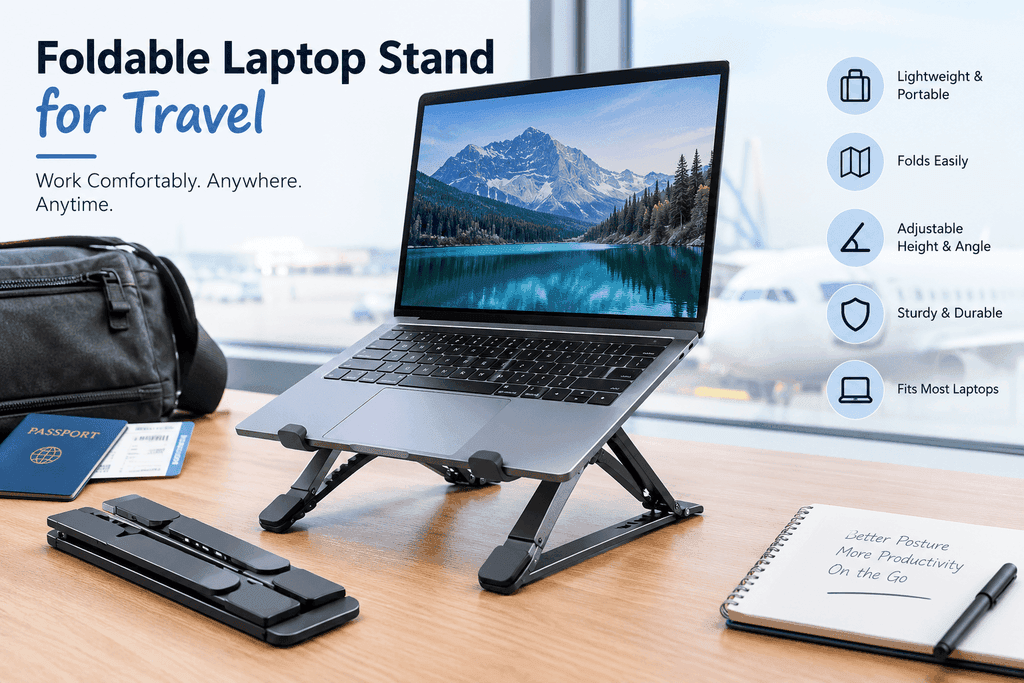
If you regularly carry your laptop between home, school, the office, or different locations, a foldable laptop stand can be a practical option.
Travel laptop stands are designed to collapse into a smaller shape so they can fit inside a laptop bag or backpack. Despite their compact size, many models can raise the screen enough to provide a more comfortable viewing angle.
A good travel stand should be lightweight but sufficiently strong to support your laptop. Stability is particularly important because a stand that moves or collapses during use can become frustrating.
Some foldable stands also have multiple height settings. This makes them more versatile when you are working at different desks or tables.
One limitation is that very lightweight travel stands may not provide the same stability as larger desktop models. Therefore, travelers should balance portability with durability.
Best for: Students, digital nomads, commuters, and frequent travelers.
3. Ergonomic Adjustable Laptop Stand
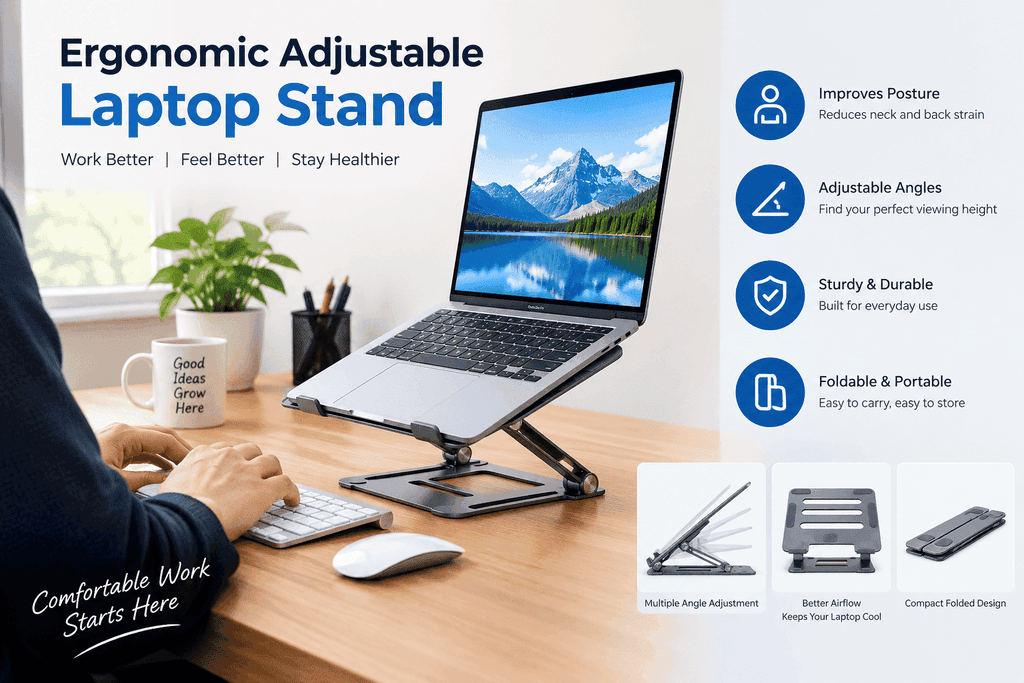
An ergonomic adjustable laptop stand focuses primarily on creating a better viewing position. It can usually be adjusted vertically and sometimes tilted forward or backward.
The goal is to raise the laptop screen so you do not need to constantly look down. Ideally, your eyes should be directed toward the upper portion of the screen while your neck remains in a neutral position.
An ergonomic stand can be particularly useful for people who work at a desk for many hours. However, raising the laptop also raises the keyboard. If the keyboard becomes too high for comfortable typing, an external keyboard is recommended.
This setup separates the screen from the typing position. You can place the laptop at a comfortable viewing height while keeping the external keyboard and mouse at an appropriate level.
Best for: Office workers, programmers, writers, and students.
4. Laptop Stand With Cooling Design
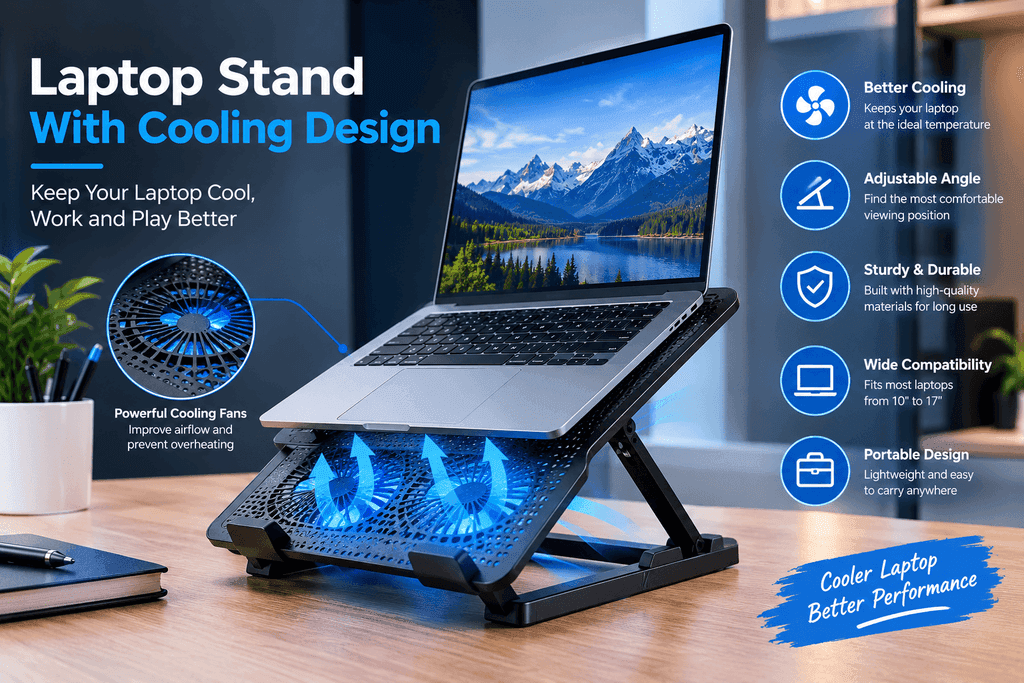
Laptops can become warm during demanding activities such as video editing, gaming, programming, or running multiple applications. A laptop stand with an airflow-focused design can help improve ventilation around the device.
Many cooling-oriented stands feature an open structure underneath the laptop. This allows more air to circulate around the bottom of the computer.
Some models include built-in fans, while others rely entirely on passive airflow. A passive stand is generally simpler because it does not require additional power or cables.
A cooling laptop stand should still provide a stable platform. Cooling is useful, but it should not come at the expense of comfortable positioning or laptop security.
For users who frequently perform demanding tasks, a stand with good ventilation can be a useful addition to the workstation.
Best for: Gamers, creators, programmers, and users running demanding applications.
5. Portable Laptop Riser
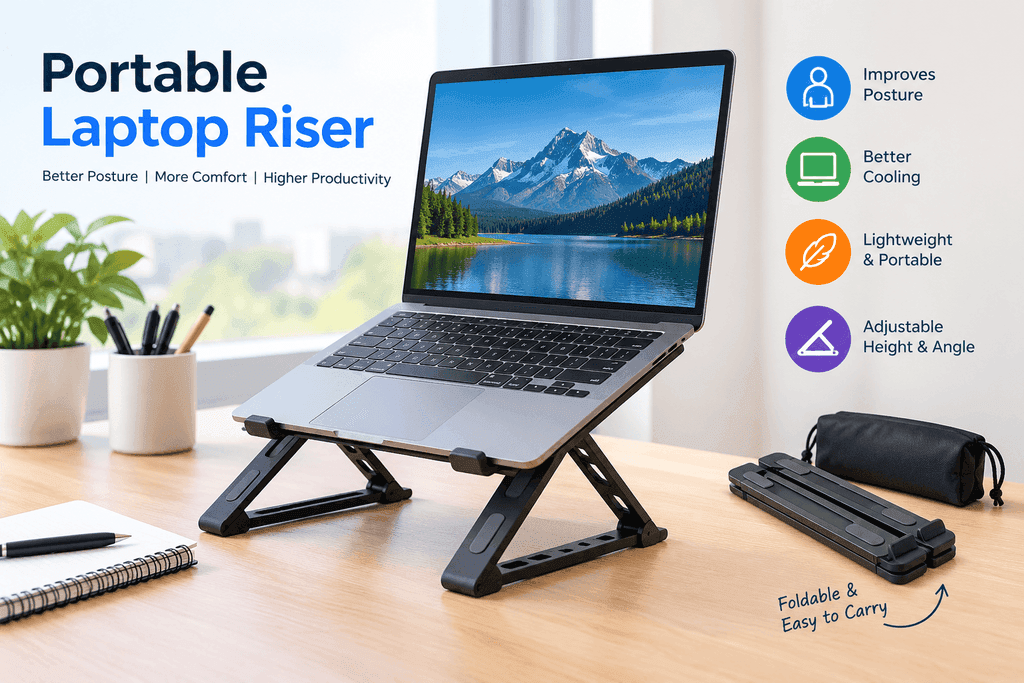
A portable laptop riser is a simple solution for people who want to raise their laptop without carrying a large stand.
Unlike highly adjustable stands, some risers have a simple fixed or limited-angle design. Their main advantage is simplicity. They can be quickly placed on a desk or table and removed when the laptop needs to be packed away.
Portable risers are often compact and lightweight. Some can be folded nearly flat, making them convenient for backpacks and laptop sleeves.
Although they may not offer as many adjustment options as premium stands, they can still make a noticeable difference to screen height.
When choosing a portable riser, check the maximum supported laptop size and weight. The stand should also have a secure surface that prevents the computer from sliding.
Best for: Students, travelers, libraries, cafés, and flexible workspaces.
6. Heavy-Duty Laptop Stand
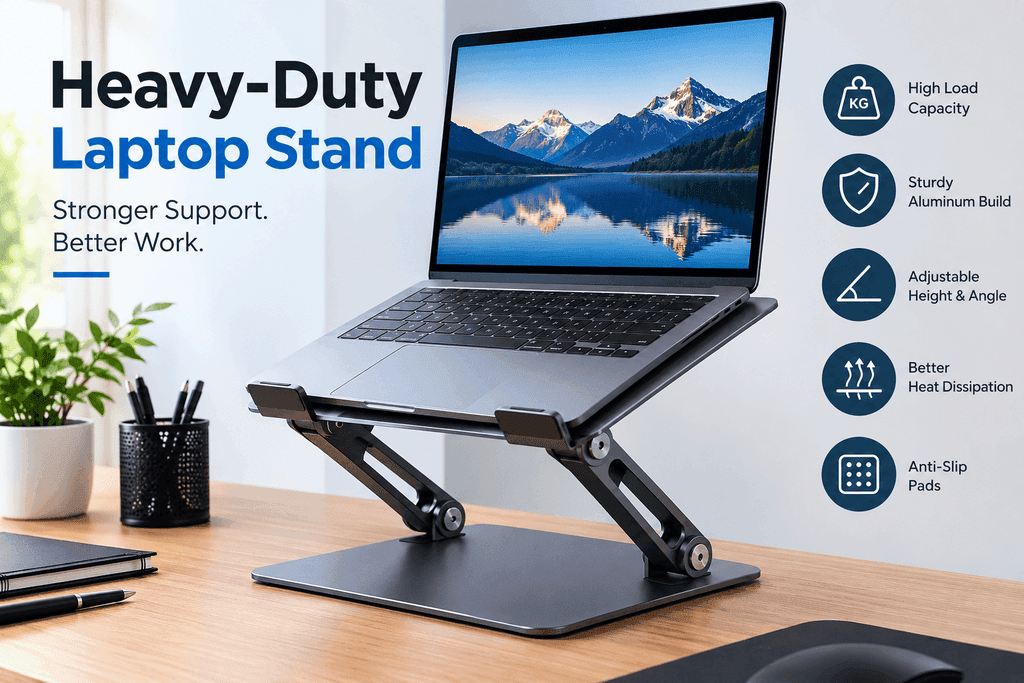
A heavy-duty laptop stand is designed for users who want maximum stability. These models tend to use stronger materials and wider bases, making them suitable for larger laptops or demanding desktop setups.
A stable stand is important when connecting an external monitor, keyboard, mouse, USB devices, or other accessories. A stand that moves whenever you type can quickly become inconvenient.
Heavy-duty stands are generally less portable than foldable travel models. However, their stability makes them a strong choice for a dedicated office.
Some heavy-duty designs also include adjustable hinges. These allow you to find a comfortable viewing position while maintaining a firm base.
Before purchasing one, check its weight capacity and dimensions. A stand should comfortably support your laptop without excessive movement.
Best for: Large laptops, desktop workstations, and permanent office setups.
7. Compact Laptop Stand for Students
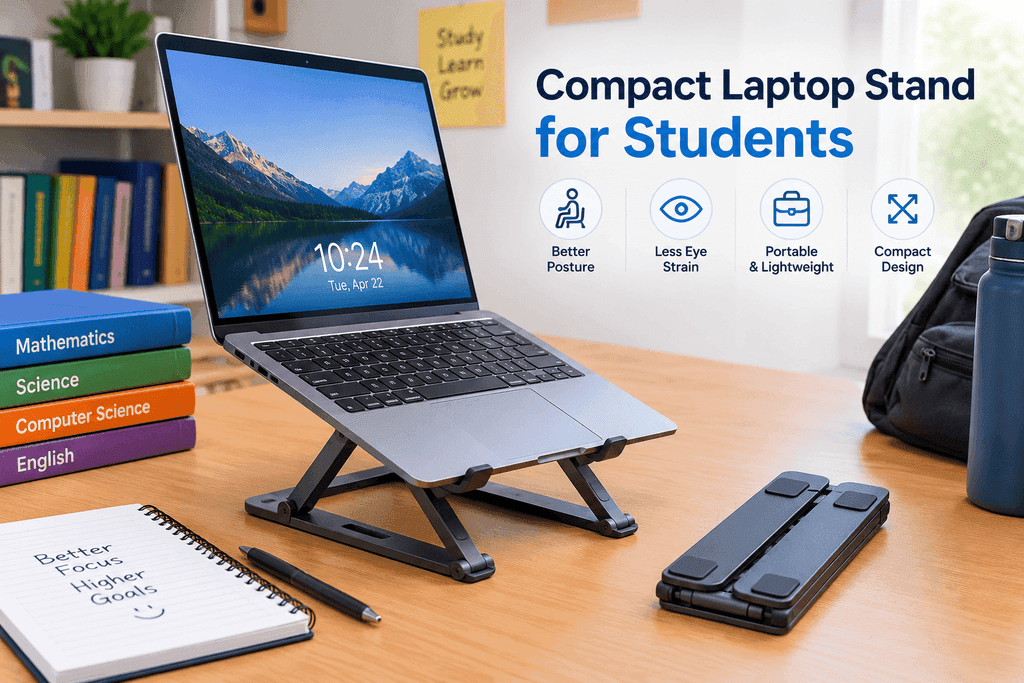
Students often need a balance between affordability, portability, and functionality. A compact laptop stand can help create a more comfortable study environment without taking up too much desk space.
Students may work at desks, dining tables, library tables, or shared study areas. A small stand that can be quickly packed away is therefore useful.
The best option does not necessarily need many adjustment settings. A simple design that raises the screen and provides a stable base may be enough for everyday study.
Students should also consider the height of their chair and desk. If the laptop is raised too high while the keyboard remains on the laptop, typing may become uncomfortable. An external keyboard can solve this issue when working for extended periods.
Best for: School, college, university, homework, and study sessions.
How Laptop Stands Can Help Your Posture
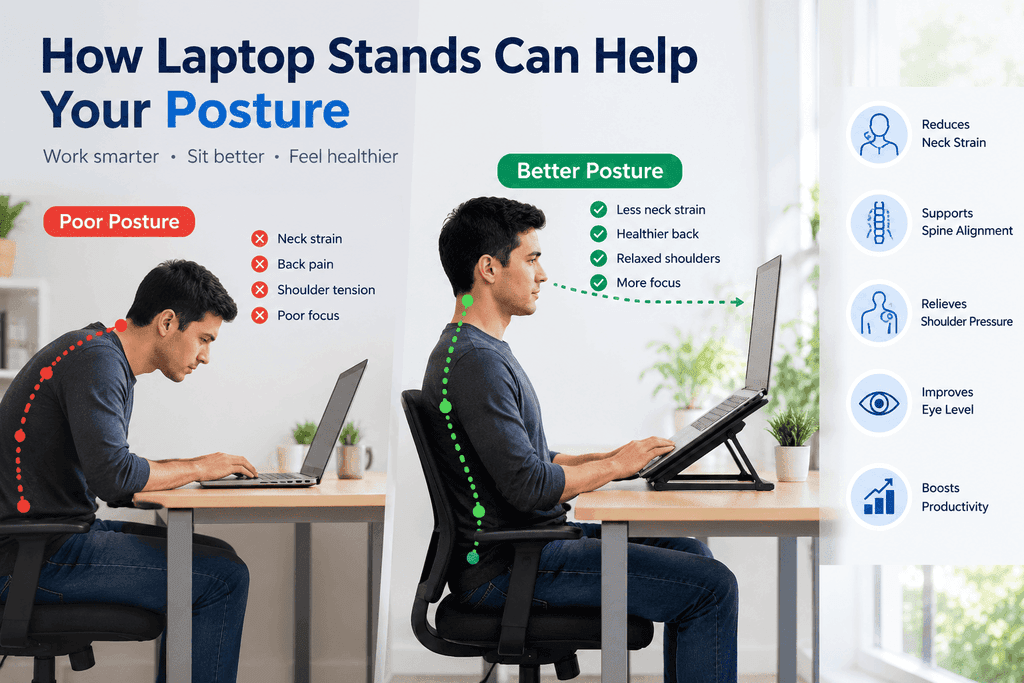
A laptop stand can help improve your workstation by changing the position of your screen. Without a stand, many people place the laptop directly on the desk, which naturally positions the display below eye level.
This can encourage the head and neck to tilt downward. Raising the screen can make it easier to keep your head in a more neutral position.
However, a laptop stand is only one part of an ergonomic setup. Your chair, desk height, keyboard, mouse, and sitting habits also matter.
For longer work sessions, consider using an external keyboard and mouse with the laptop elevated. This allows you to position the screen independently from your hands.
You should also take regular breaks. Standing up, changing positions, walking around, and looking away from the screen can make long computer sessions more manageable.
What to Look for When Buying a Laptop Stand
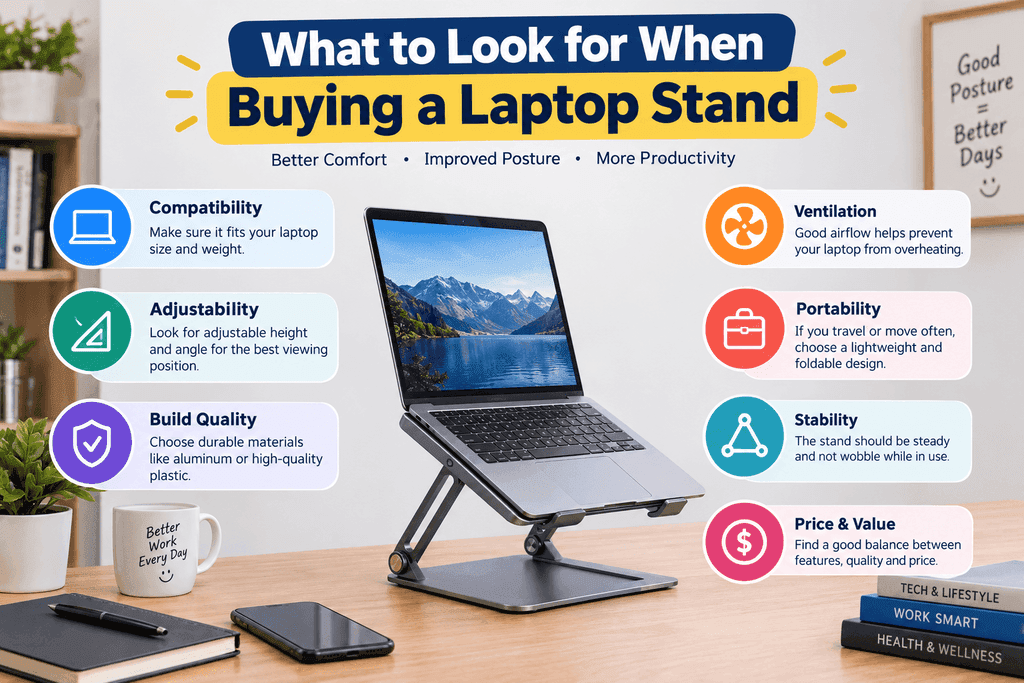
Before choosing a laptop stand, consider several important factors.
Adjustability
Adjustable models allow you to customize screen height and viewing angle. This can be useful if multiple people use the same workstation or if you regularly change your sitting position.
Build Quality
Look for a stand that can support your laptop without bending or wobbling. Aluminum and reinforced materials are commonly used for stronger models.
Portability
If you travel regularly, choose a foldable design that fits easily inside your laptop bag.
Compatibility
Check the stand’s supported laptop size and weight. Larger laptops may require a wider and stronger platform.
Stability
A stable base is essential. Rubber feet and non-slip pads can help keep the stand in place.
Ventilation
If your laptop becomes hot during intensive workloads, choose a design that provides good airflow underneath the computer.
Desk Space
A large stand may be comfortable for a permanent office but inconvenient on a small desk. Measure your available space before buying.
Laptop Stand Setup Tips for Better Ergonomics
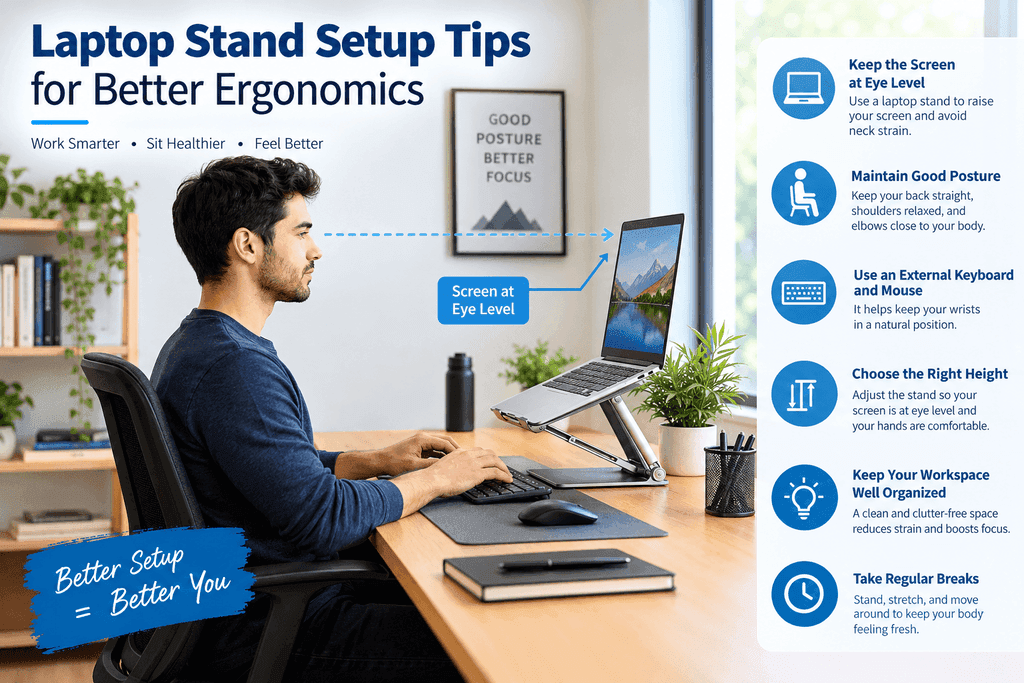
Simply purchasing a laptop stand is not enough. The way you use it also matters.
Start by placing the laptop screen at a comfortable height. Try to avoid a position that forces you to bend your neck downward.
If the laptop is elevated significantly, use an external keyboard and mouse. Keep them positioned so your shoulders can remain relaxed and your elbows can stay comfortably near your sides.
Your feet should also have stable support. If your chair is high and your feet do not comfortably reach the floor, a footrest may help.
Avoid staying in exactly the same position for hours. Changing positions regularly is an important part of maintaining a comfortable workstation.
Laptop Stands for Work, Study, and Travel
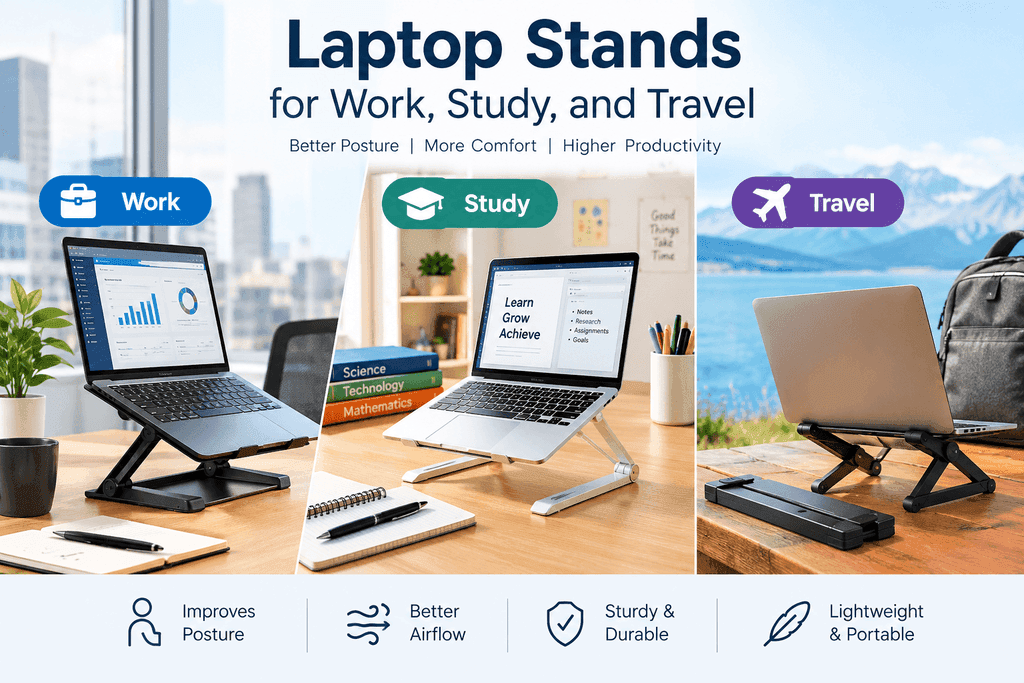
Different users have different requirements.
For work, an adjustable aluminum or ergonomic stand may be suitable because it provides flexibility for long desk sessions.
For study, a compact and affordable stand may be more practical, especially when desk space is limited.
For travel, a lightweight foldable stand can provide ergonomic benefits without adding too much weight to a backpack.
For creative or demanding workloads, a heavy-duty or cooling-focused stand may be useful.
The important point is that there is no single laptop stand that works perfectly for everyone. Your laptop size, workspace, daily routine, and portability requirements should guide your decision.
Final Thoughts
The right laptop stand can make a laptop workstation more comfortable by raising the screen and encouraging a better viewing position. The seven options discussed in this guide cover different needs, from adjustable desktop stands and cooling designs to compact models for students and foldable stands for travelers.
When choosing a stand, focus on adjustability, stability, build quality, portability, compatibility, and ventilation. If you plan to raise your laptop significantly, pairing it with an external keyboard and mouse can create a more practical ergonomic setup.
A laptop stand is a relatively simple accessory, but when combined with good sitting habits, regular movement, and a properly arranged workspace, it can become an important part of a comfortable computer setup.
FAQs
Laptop stands can help by raising the screen closer to eye level, which may reduce the need to constantly look downward. For a more complete ergonomic setup, use an external keyboard and mouse when the laptop is significantly elevated.
An adjustable stand provides more flexibility because you can change the height and viewing angle. A fixed stand can still be useful if its height matches your workspace and sitting position.
Yes. Foldable laptop stands are specifically designed for portability. Look for a lightweight model that folds compactly and provides enough stability for your laptop.
If the stand raises the laptop screen substantially, an external keyboard and mouse are generally more practical. They allow you to keep the screen elevated while positioning your hands at a comfortable level.
A compact, lightweight, and adjustable stand can be a practical choice for students. It should fit easily on a study desk and be portable enough to move between home, school, and other study locations.